

A good designer is constantly learning new tricks on how to apply different effects to a photo or built a form from scratch. Some of you may search for various tutorials just to improve your skills, or maybe you need to know some specific technique for your current project.
In any case, on this list, we have handpicked 20 latest graphic design tutorials to take your skills to a whole new level.
Here you’ll see Photoshop and Illustrator tutorials on how to create a movie poster from an image, apply endless photo effect, create geometric pattern and text effect, build a retro logo, and much more.
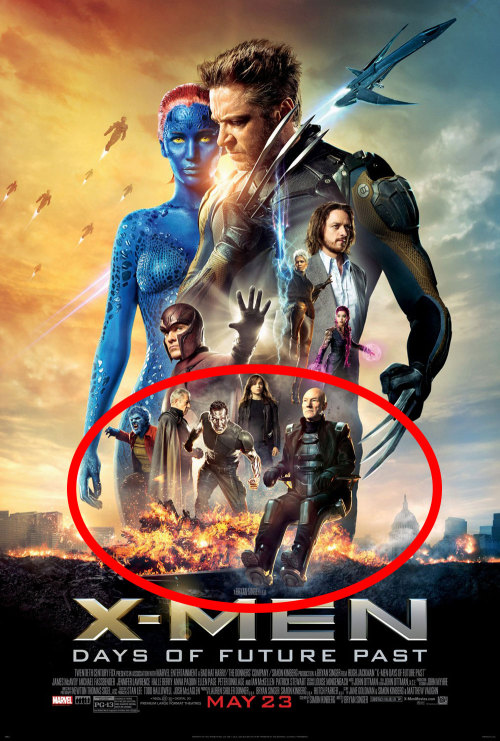
1. Create an Action Packed Movie Poster in Photoshop
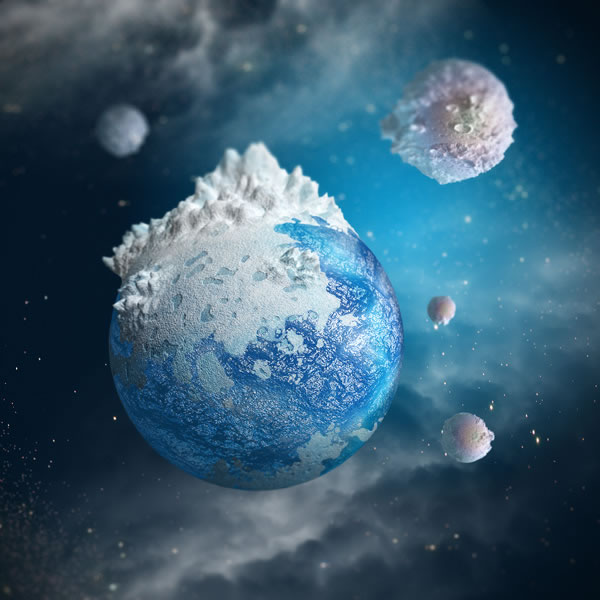
2. Create a Mini Planet Using Photoshop’s 3D Capabilities
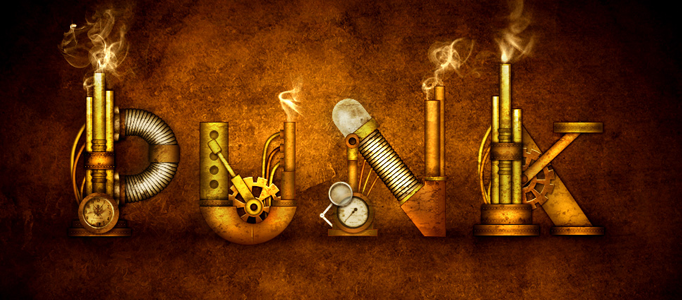
3. How to Create a Steampunk Type Treatment in Photoshop
4. Create an abstract liquid effect
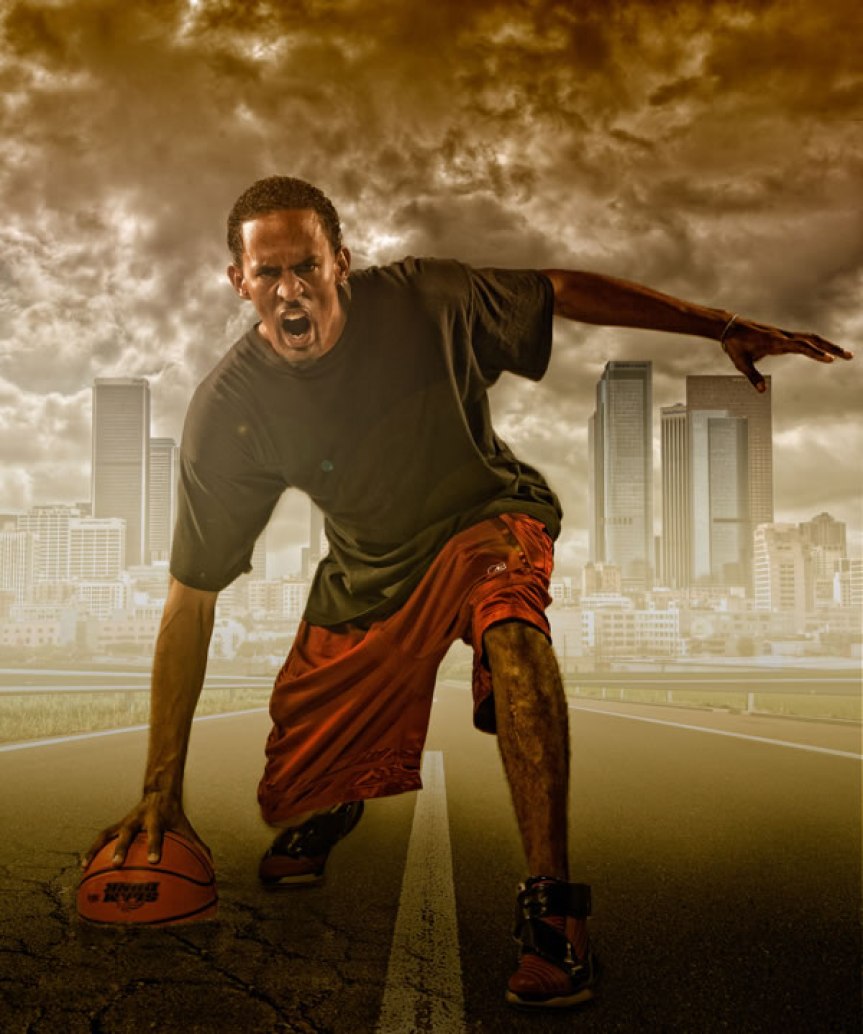
5. Create a Studio Sports Portrait
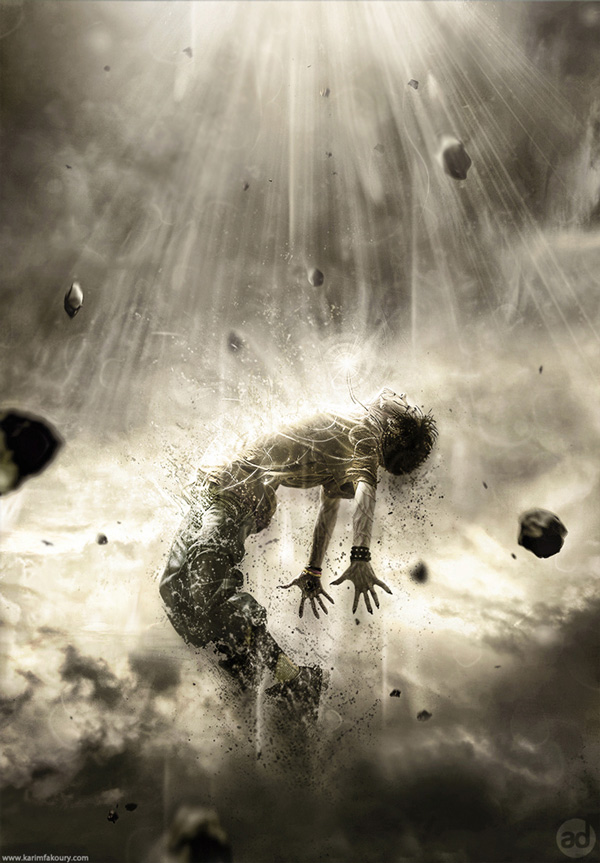
6. Create a Powerful Human Disintegration Effect in Photoshop
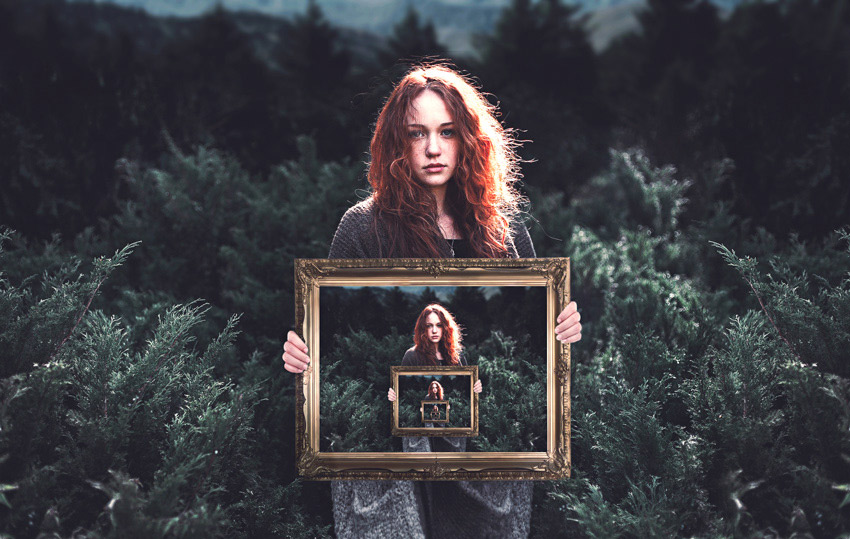
7. How to Create an Endless Picture Within a Picture Illusion in Adobe Photoshop
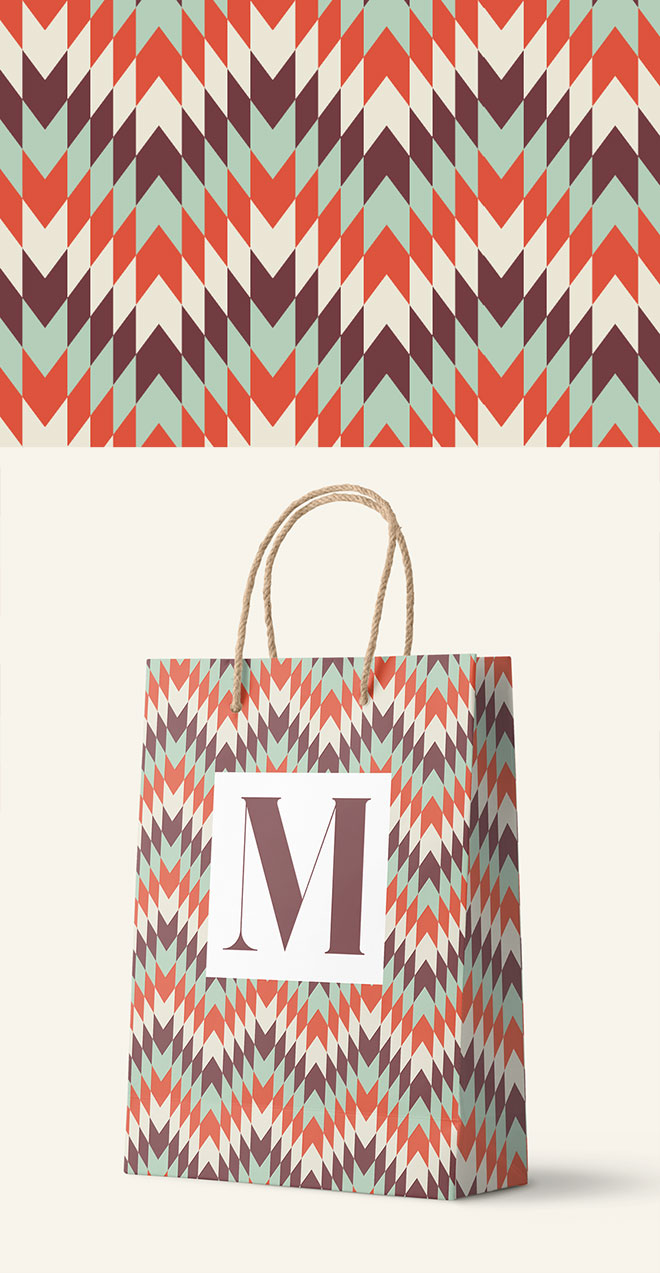
8. How To Create a Geometric Pattern in Adobe Illustrator
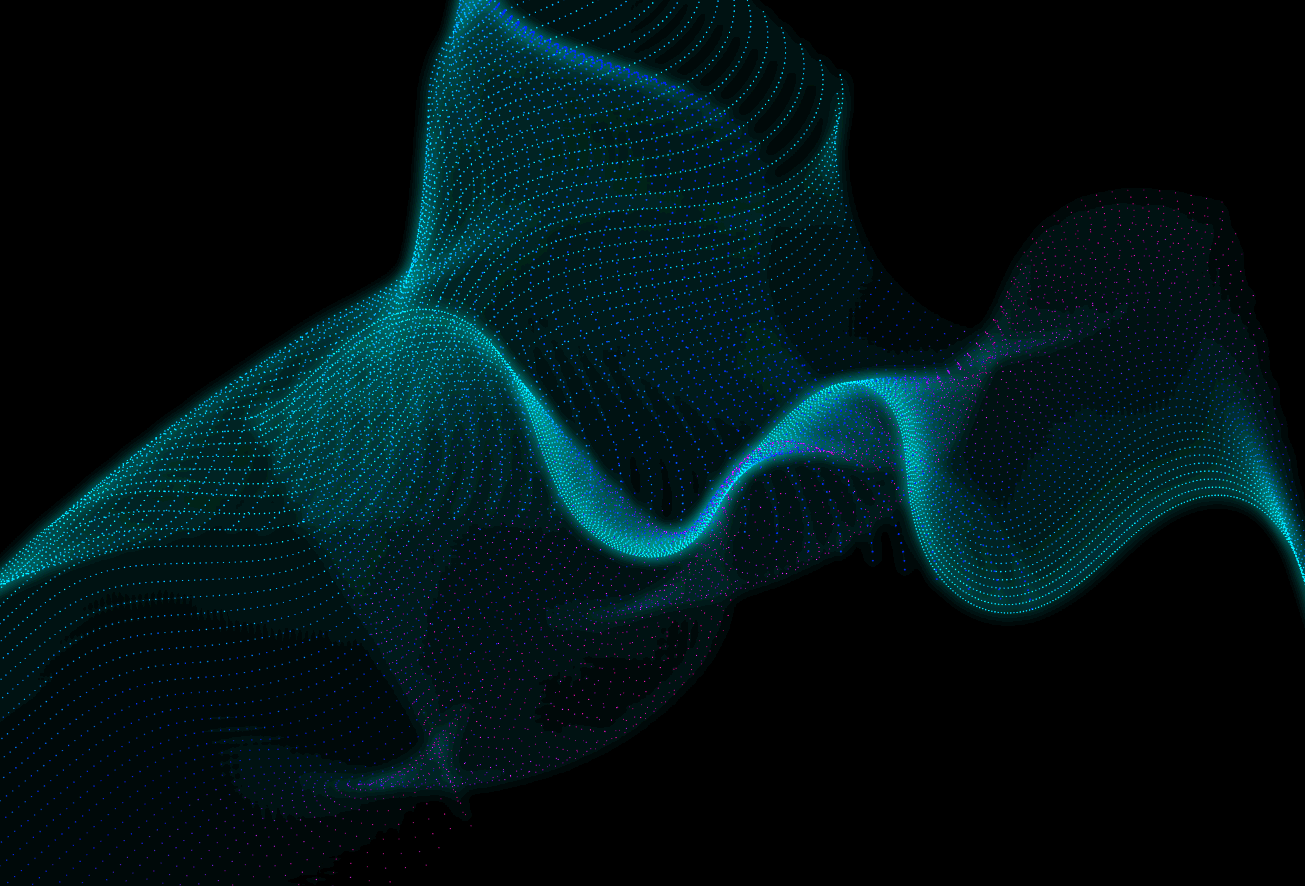
9. How To Create Digital Particle Waves in Adobe Illustrator
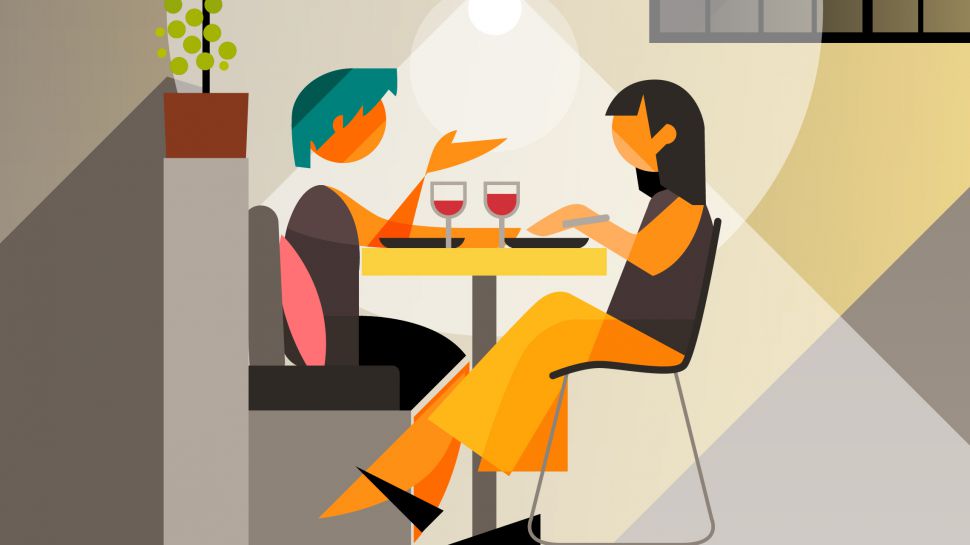
10. How to design graphic figures
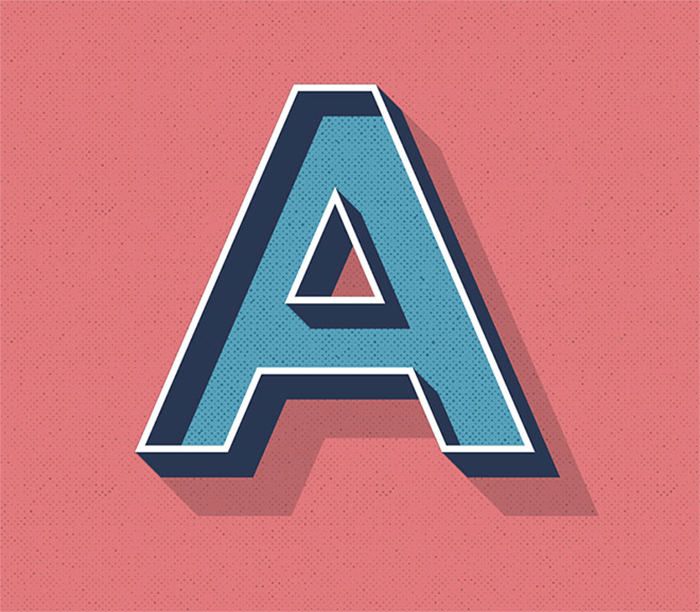
11. How To Create an Editable Retro Text Style in Illustrator
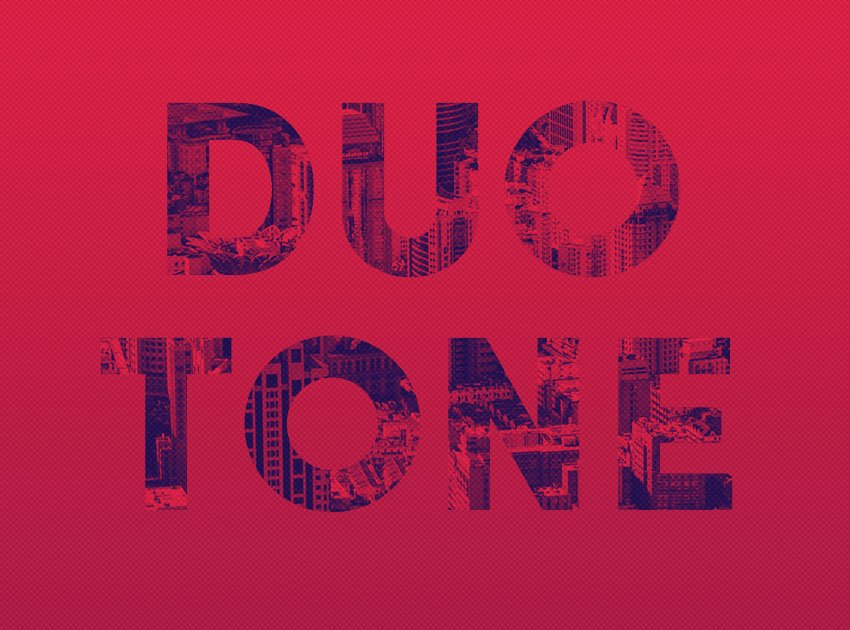
12. How to Create a Quick & Easy Duotone Text Effect in Adobe Photoshop
13. How To Create a Vintage Film Title Text Effect in Photoshop
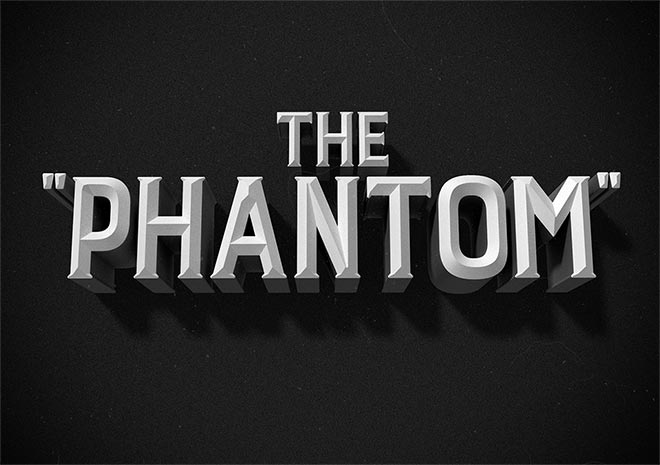
14. Create mixed inks with InDesign
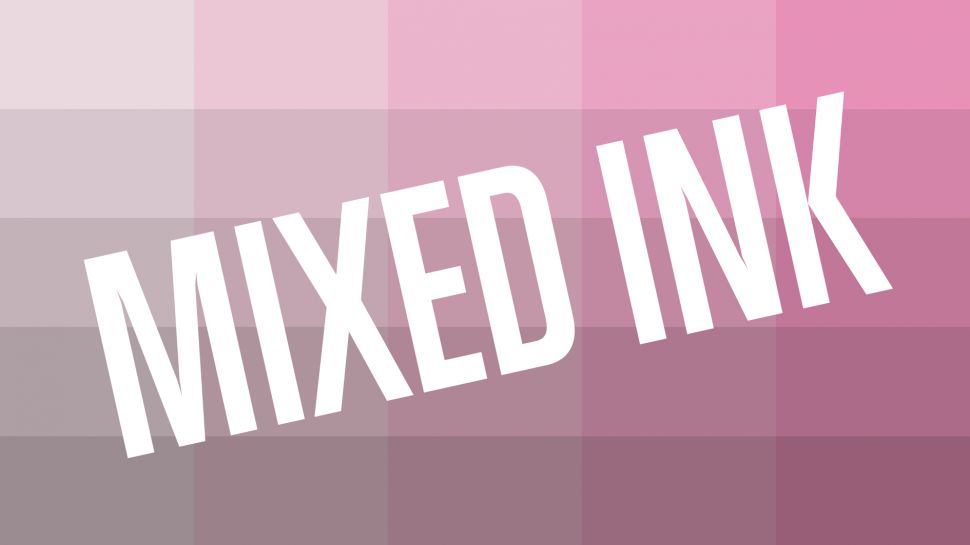
15. How to design a typographical poster using Adobe InDesign
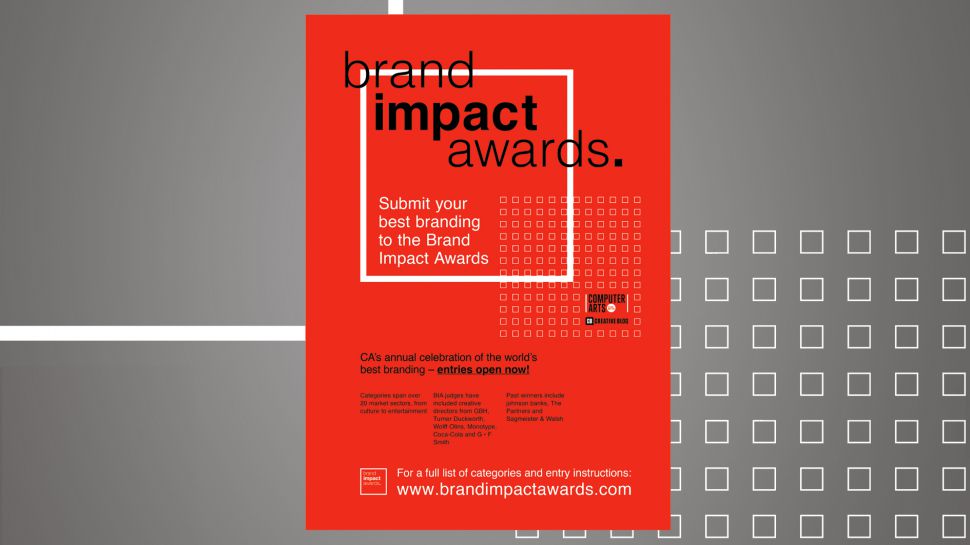
16. Create special print finishes in InDesign
17. How to create a retro logo with Affinity Designer
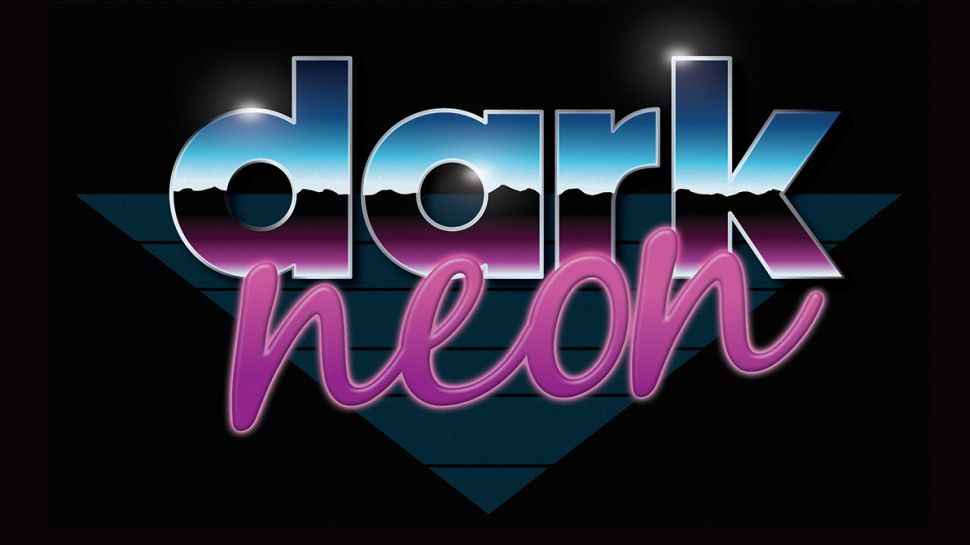
18. Mock up AR graphics with After Effects

19. How to Draw a Colorful, Fun, Illustration in illustrator tutorials
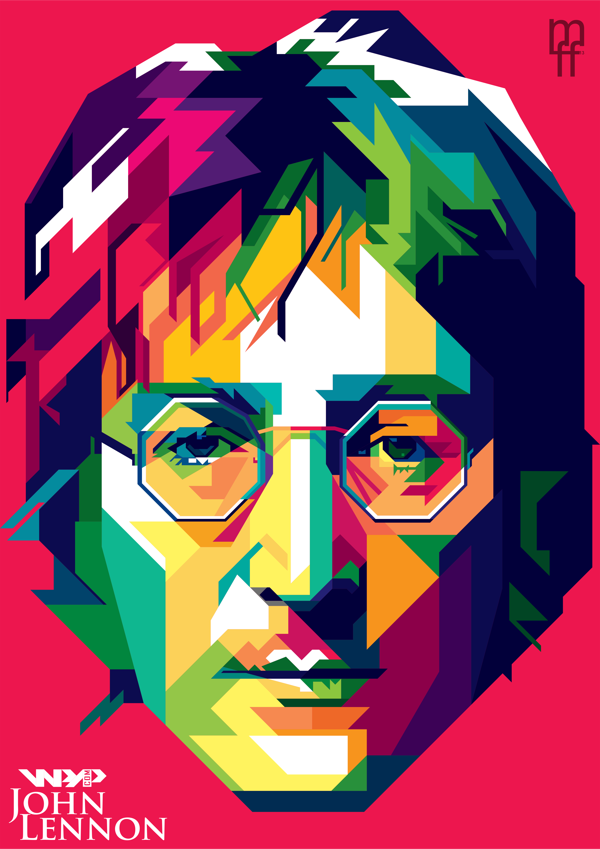
20. Create a Painted Portrait Effect in Illustrator Using the Bristle Brush
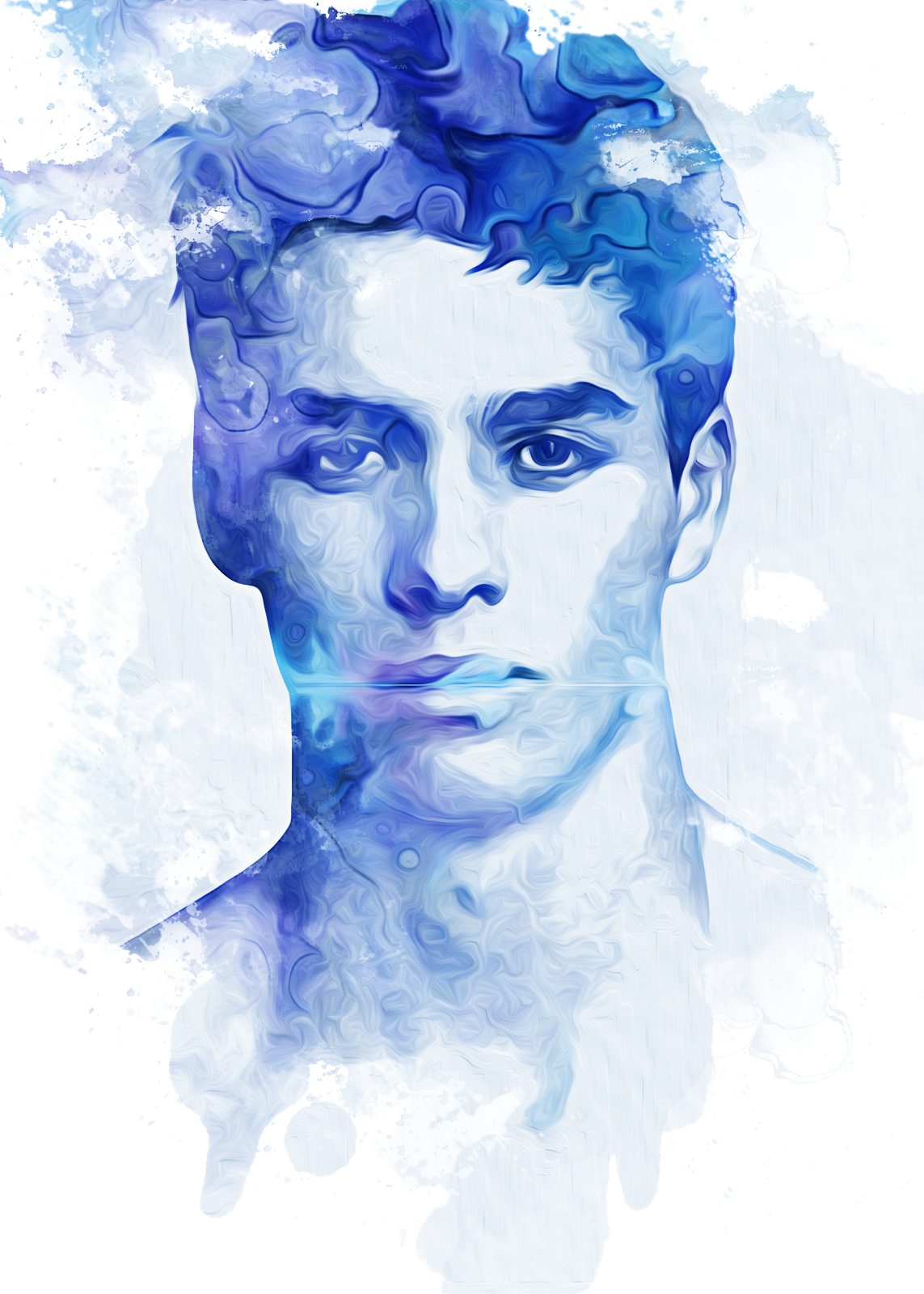
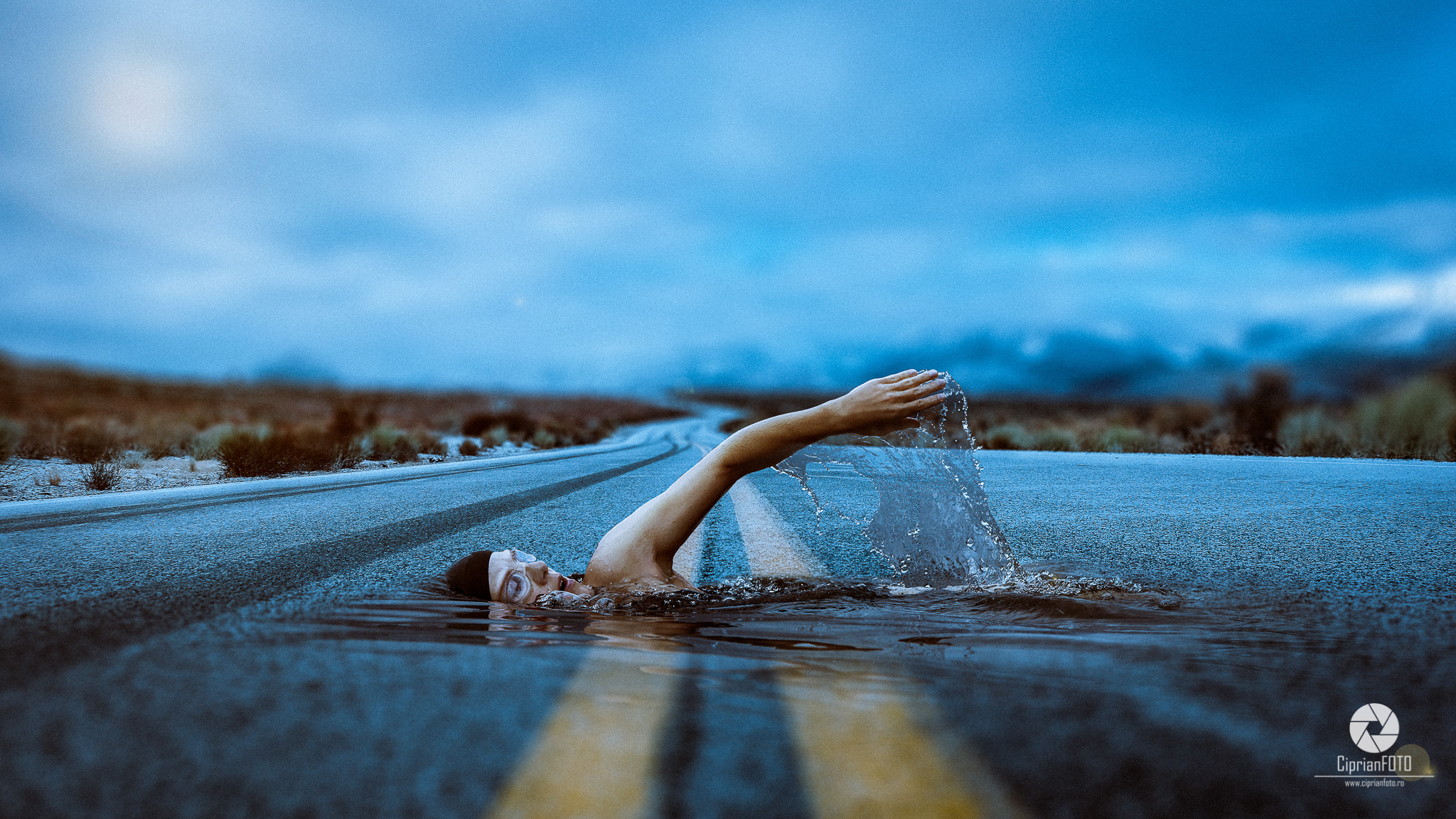
21. Photo Manipulation



Very detailed and informative article. Thanks for sharing!
wow that cool this list, I’ll save in my favorites, because I really liked the tips of Stuido sports portrait, disintegration, retro text style. Do you have a list for plugins?
I like the lettering here and of course the image work is amazing. But from my experience there isn’t a call for this in web design – definitely in print and magazines. But I see the current UX is moving towards spacing, decent fonts and clear messaging more than great imagery. Is this good or bad. No idea but the top converting sites these days tend to focus on quick mobile ready sites more than amazing imagery.
In no way am I putting down great PS work – and yes there are still sits where great PS imagination is needed but the UX person is winning out over the design ninja these days.
Keep up the good work love the posts here.